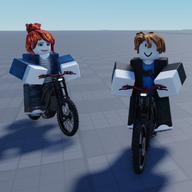
What Is Bike Universe on Roblox?
Bike Universe is a free-to-play Roblox vehicle sim by the Bike Universe group where you ride, collect, tune and race bikes. Here's the overview.
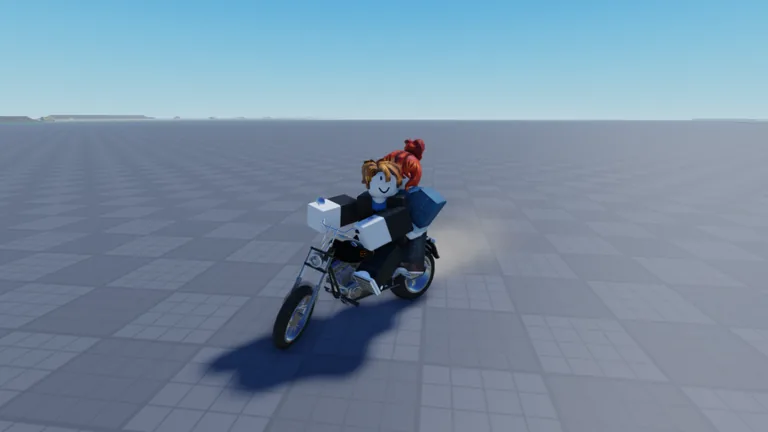
What Bike Universe Is on Roblox
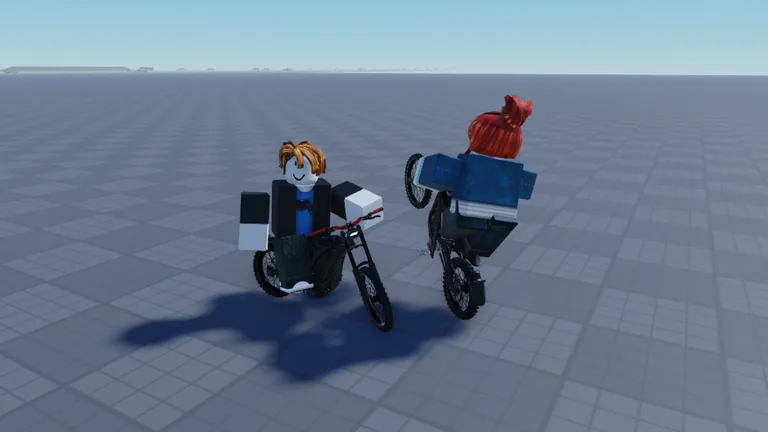
Bike Universe is a free-to-play Roblox experience about riding, collecting, tuning and racing bikes, published under the title "🛡️[S1] Bike Universe" on its official Roblox game page. Roblox files it under Simulation and Vehicle Sim, and its own creator description introduces it as a place to "Ride Bikes around the map," "Collect many new bikes (Dirt, Electric, Pedal)," "Earn money from riding, wheelies and tricks," "Tune and customise your bike" and "Race your friends." The page also carries the creator's own tagline: "The BEST Bike game on Roblox."
Game Overview
The experience is credited to the creator account Bike Universe, a Roblox group. According to the Roblox page, it was created on 27 September 2026 and last updated on 3 November 2026. The page lists 20 players per server, and states the game is free to play — there is no purchase required to join.
As of 3 November 2026, the store listing showed 62,810,287 visits, 23,155 players in game, 126,317 favorites, 66,892 up votes and 8,821 down votes. Third-party trackers publish their own snapshots, and because they sample at different times their numbers will not match the live page exactly.
Genre: Simulation and Vehicle Sim
Roblox categorizes Bike Universe as both Simulation and Vehicle Sim, which fits the loop described on the store page: riders move around a map on two wheels, earn money by riding, and spend it on more bikes and upgrades.
The specific details of how that loop is tuned — bike stats, prices, cash rates, the exact map layout — are not documented on the official game page. Community guides fill that gap, but they are not official. According to Sportskeeda's list of bikes, dealership bikes carry four stats — Top Speed, Acceleration, Handling and Tricks — and range from a default-unlocked starter up through six-figure Cash purchases; that article also reports some bikes being tied to a paid pack. Treat those figures as community reporting rather than confirmed official data, especially since the creator's listing title keeps a season tag.
Core Activities
The creator's own "How to Play" list is the safest summary of what you do:
- Ride bikes around the map
- Collect new bikes across dirt, electric and pedal categories
- Earn money from riding, wheelies and tricks
- Tune and customise your bike
- Race your friends
Anything beyond that list — trick names, control bindings, wanted levels, pass prices — is not officially documented on the game page. Clips uploaded to Medal.tv's Bike Universe page show players attempting tricks, chaining multi-trick lines and being chased by police, but viewer-uploaded clips are not a specification of mechanics. Update plans circulate in community coverage rather than on the game page; according to Sportskeeda's update article, a build titled Update 3 was scheduled for 31 October 2026 and was said to introduce new bikes, a gang mechanic and Season 1, but that reporting is third-party and the page itself gives no schedule.
Max Players, Price and Where to Play
Servers hold up to 20 players, and the experience is free to play. The creator's description explicitly says it "Supports Desktop, Console, Mobile, and Tablet players," so keyboard, controller and touchscreen play are all intended to work.
Roblox itself runs on Windows, Mac, iOS, Android, Xbox and PlayStation. The game page does not break down which specific devices this experience supports beyond that creator statement, so if you are on a particular platform, check the page's own platform indicators before assuming. To start, open the Roblox experience page, confirm the current title and update status, and join a server.
Related guides
Related Guides
Bike Universe Tutorial: Where to Learn How to Play
Where Bike Universe players can find instruction: the creator's own how-to-play list and the third-party controls and bike guides.
Bike Universe Creator and Official Links
Find the official Bike Universe Roblox game page and the creator group page, plus the game's genre, creation date and last update date.
Bike Universe Player Stats: Visits, Favorites and Ratings
Bike Universe had over 62 million visits and 126,000 favorites as of November 3, 2026. See the official page stats and what they measure.