Bike Universe Controls on PC and Mobile
Learn Bike Universe controls for PC and mobile, based on third-party control guides, and see which devices the creator says are supported.
Bike Universe Controls on PC and Mobile
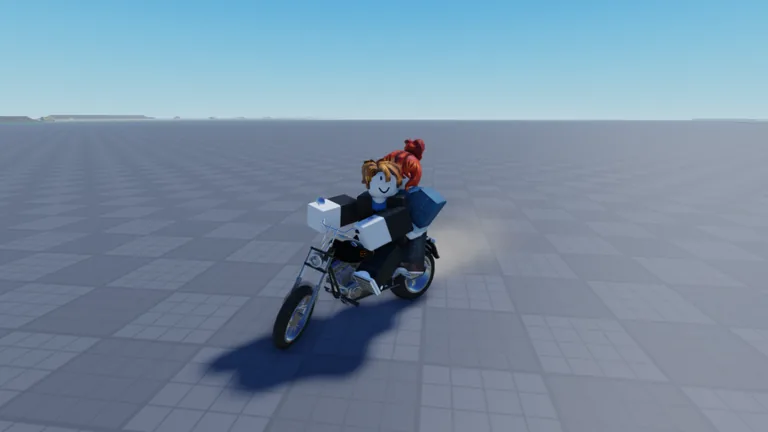
Bike Universe uses keyboard controls on PC and on-screen buttons on mobile and tablet, according to Sportskeeda's controls guide. The game's official Roblox page does not list keybinds or button layouts, so the specific inputs below come from that third-party guide and may change as the game is updated.
Supported Devices per the Creator
The official description on the Roblox page states that the experience supports Desktop, Console, Mobile and Tablet players. The page does not say which individual devices or platforms are supported, so no per-platform list is officially documented.
PC Controls
The following PC keybinds are listed by Sportskeeda in its controls guide:
- Movement: W, A, S, D
- Spawn your bike: Q
- Bikes menu: M
- Hop out of the vehicle: F
- Rear brake: Space
- Burnout: W + Space
- Wheelie: Ctrl
- Stoppie: Ctrl + S
- Bunny hop: Alt
- Tailwhip: Z (in the air)
- Superman: X (hold in the air)
- Tricks: 1, 2, 3 and 4, picked in the phone's Tricks app
- Spawn point: G
- Build mode: B
- Camera lock: Shift
- Hide controls: 7
The same guide says a rider can get on a bike by hopping into it or holding the Interact button.
Mobile and Tablet Controls
According to Sportskeeda, the mobile layout places most vehicle buttons on screen, and a Shift Lock toggle can fix the camera. The guide lists these touch controls for Android and iOS:
- Movement: arrow buttons on the left of the screen
- Accelerate: hold the Gas button
- Reverse or halt: hold the Brake button
- Hop out of the vehicle: Hop button
- Rear Brake: Rear button
- Camera lock: toggle Shift Lock
- Bunny hop: Up button
- Browse and buy bikes or upgrades: Shop button
- Modify and customise your current bike: Build button
- In-game apps, missions, settings and races: Phone button
The guide does not describe a separate layout for tablets.
Where to Find a Full Controls Guide
Because the creator's own page omits control details, the Sportskeeda controls guide is the main third-party reference for these inputs. Sportskeeda also states that the game is currently in beta and that the developers have promised further features and changes before full release. Treat the keybinds as a snapshot, not a permanent list, and check the official Roblox page after updates.
Related guides
Related Guides
Bike Universe Controller Support: Playing on Console and Gamepad
What the official Bike Universe game page says about console and controller play, and how that lines up with the devices Roblox runs on.
Is Bike Universe Free to Play on Roblox?
Bike Universe is a free-to-play Roblox experience by the Bike Universe group. See the price, genre and how to open the official game page.
Bike Universe Multiplayer: Server Size and Playing With Friends
Bike Universe supports up to 20 players per server. Learn how server size affects racing friends and playing together in the same session.
Bike Universe Supported Devices: Desktop, Console, Mobile
Bike Universe's creator says the experience supports Desktop, Console, Mobile and Tablet players. See what that means for how you play.